A job board that applicants can actually search.
Yclas Neo gives you a job board with salary, job type, and location wired up as searchable filters out of the box — not stuffed into a description field where nobody can filter them. No WordPress job plugin, no job-board plugin subscription, no server to patch. Just roles applicants can actually find.
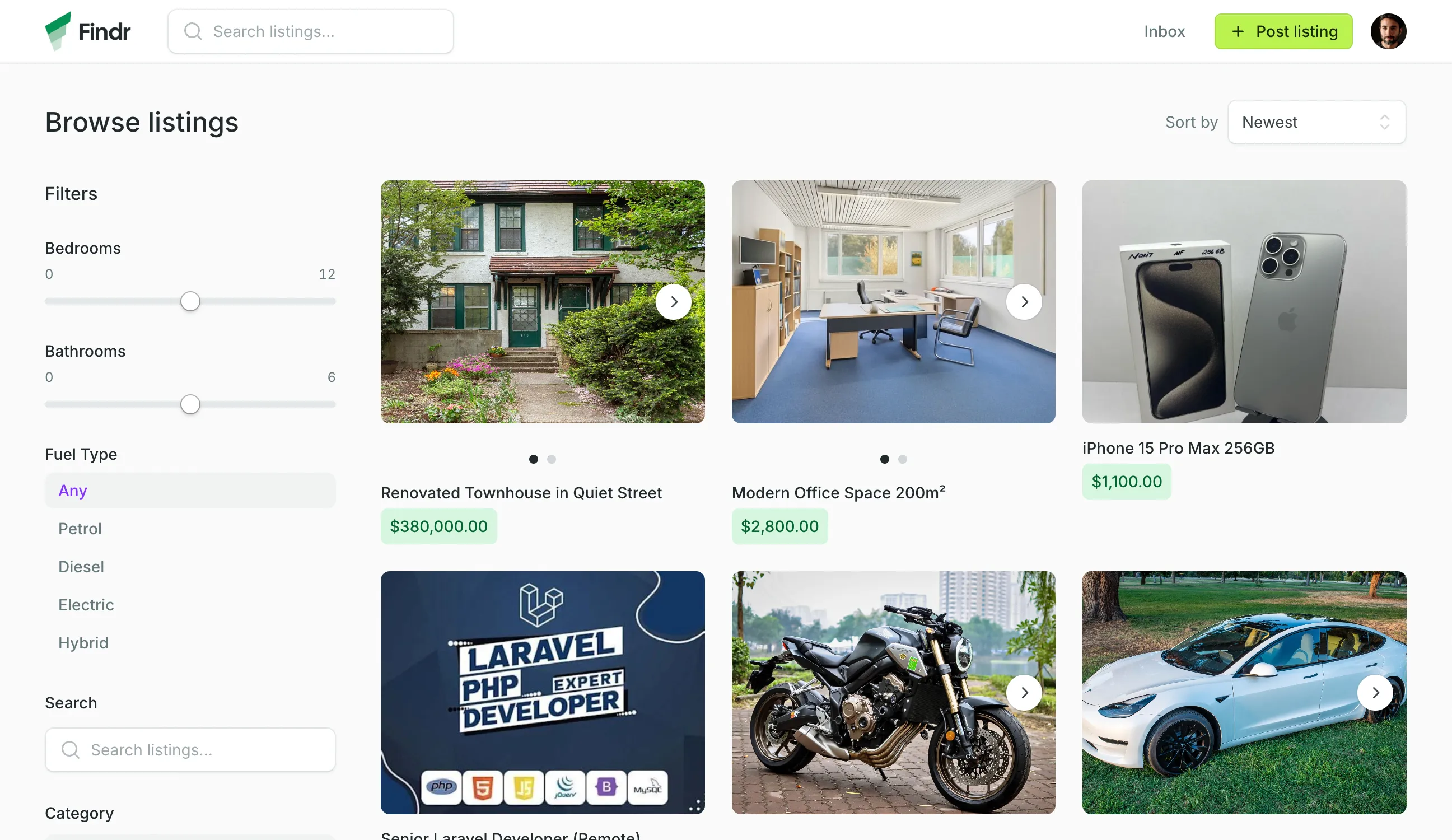
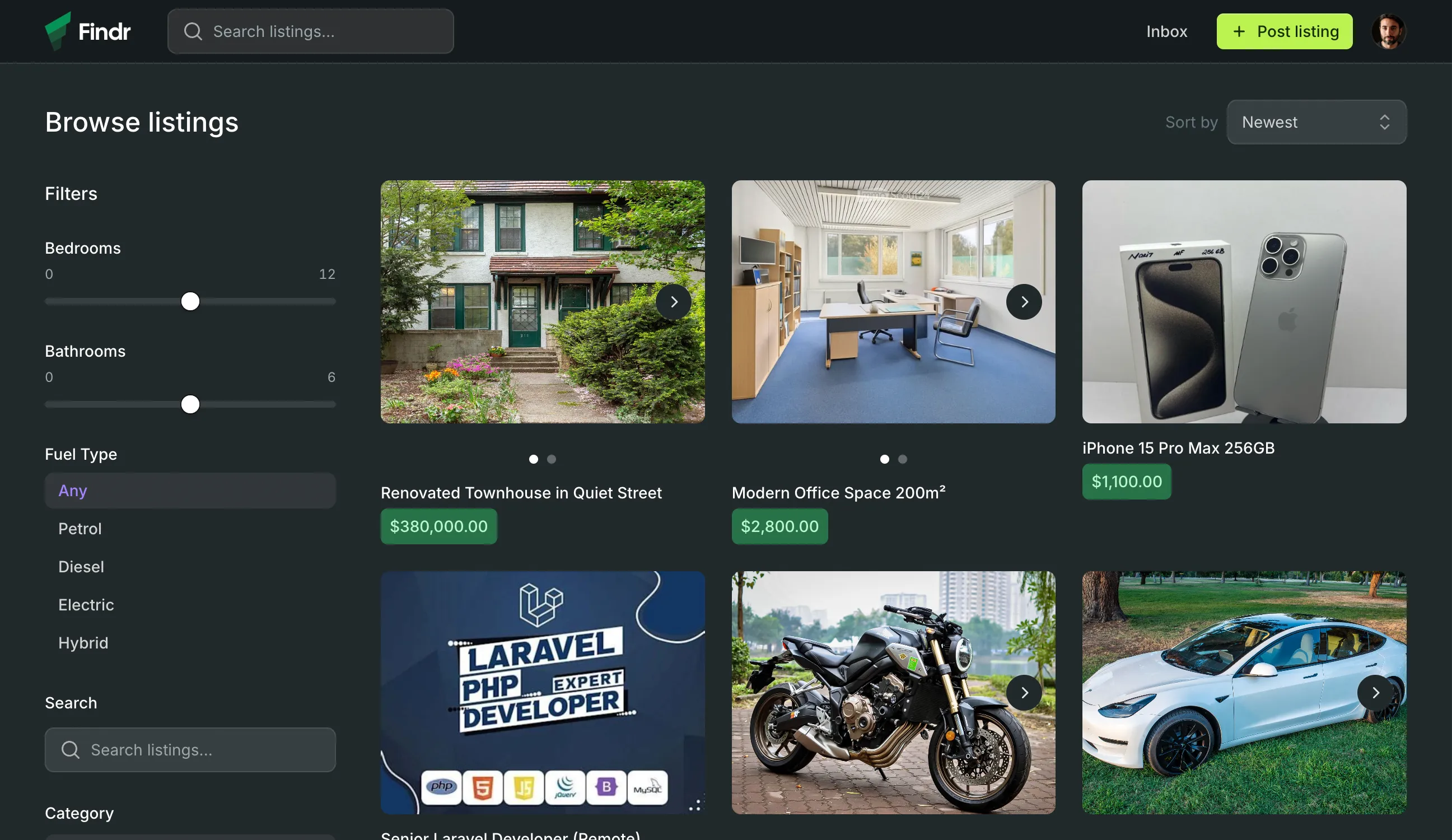
Your job board runs on a plugin and a prayer.
Niche and regional job boards don’t need a full recruitment platform. They need postings people can filter, and a way for applicants to reach employers. What they usually get is a WordPress theme that turns salary into a text box and applications into lost emails.
Your job board theme is one update from oblivion
You installed a WordPress job board plugin. It posted roles. Then an update broke the application form. Then another update killed the search. Now you’re debugging PHP on a Sunday instead of recruiting employers to post on your board.
Salary is just text in a description
Employers type “$60k–$80k” into a paragraph. Applicants can’t filter by it. They can’t sort by it. Your job board has the numbers that matter most to candidates, and it treats them like decoration.
Applications vanish into an inbox
An applicant emails their interest. The email lands among forty others. By Friday it’s buried. There’s no thread tied to the role, no record of who applied to what, no way to see the conversation without digging through a pile of forwarded messages.
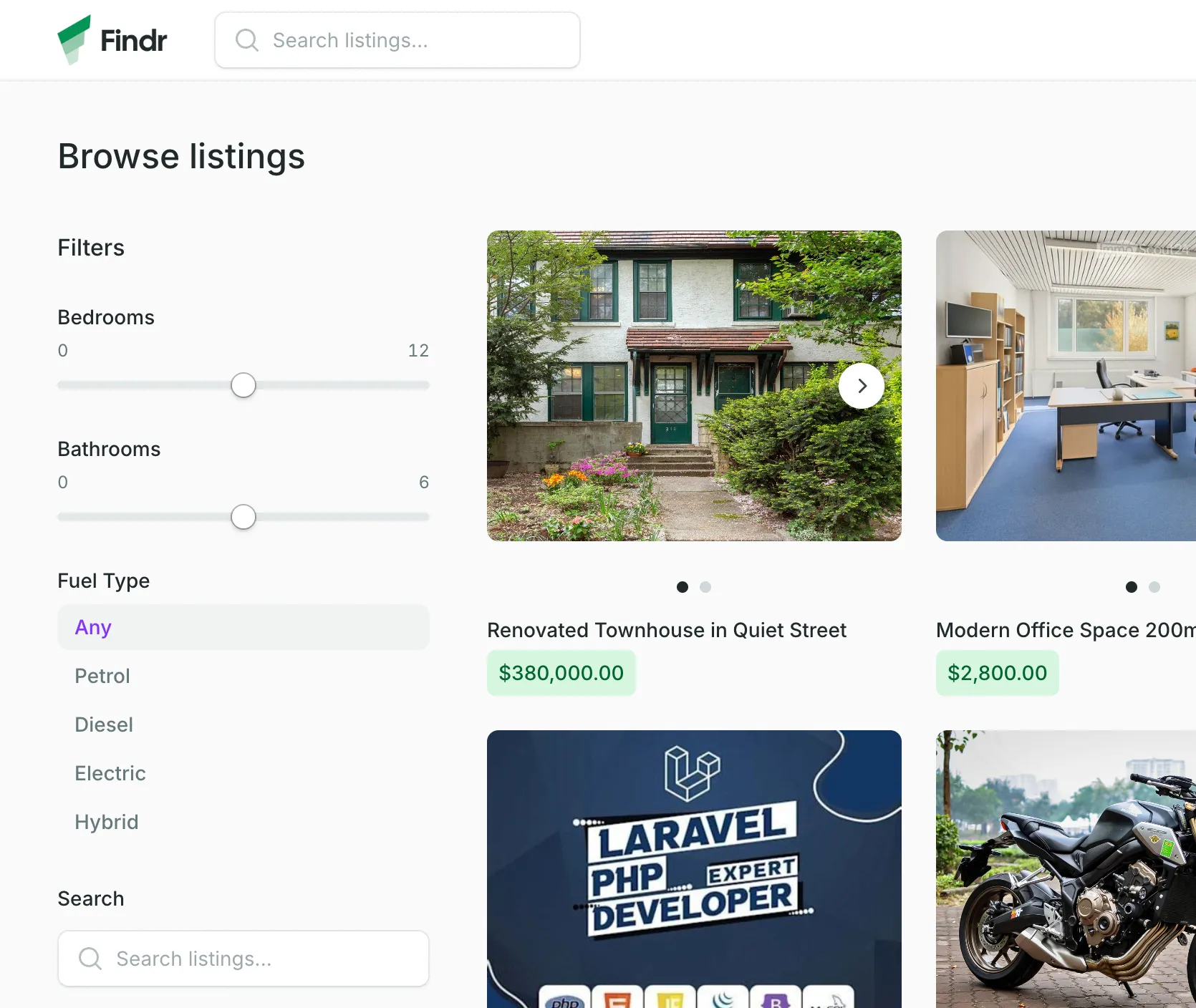
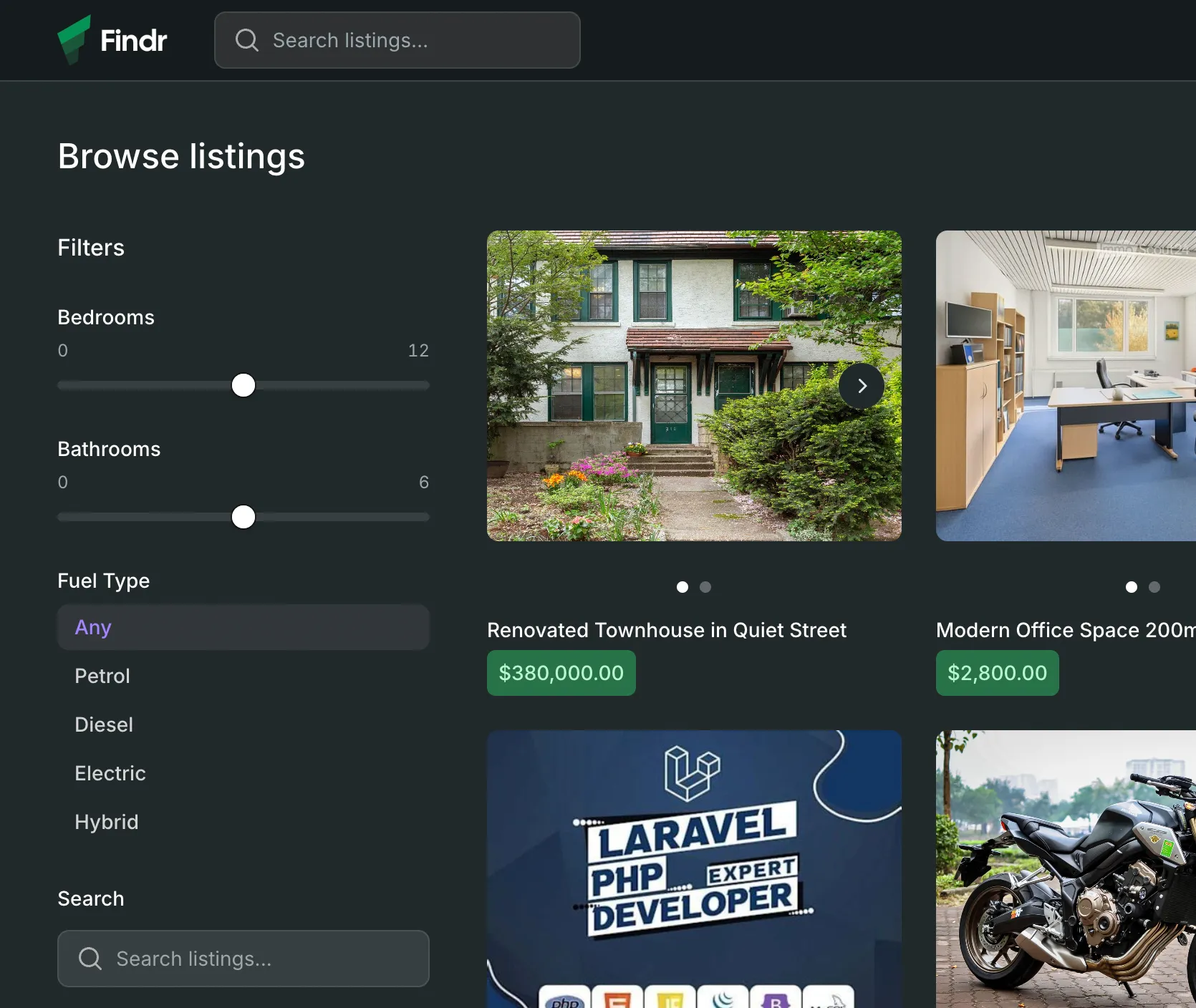
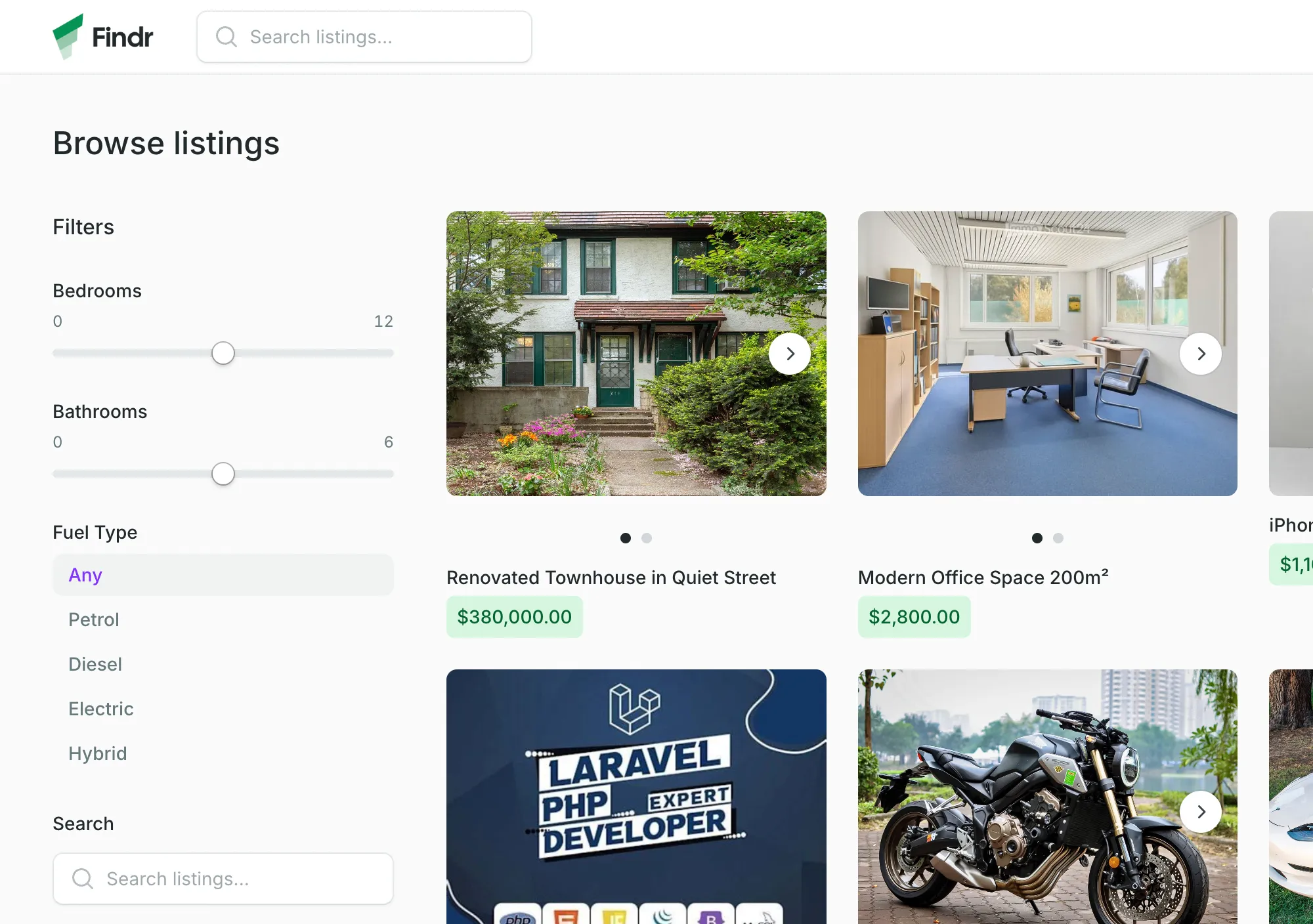
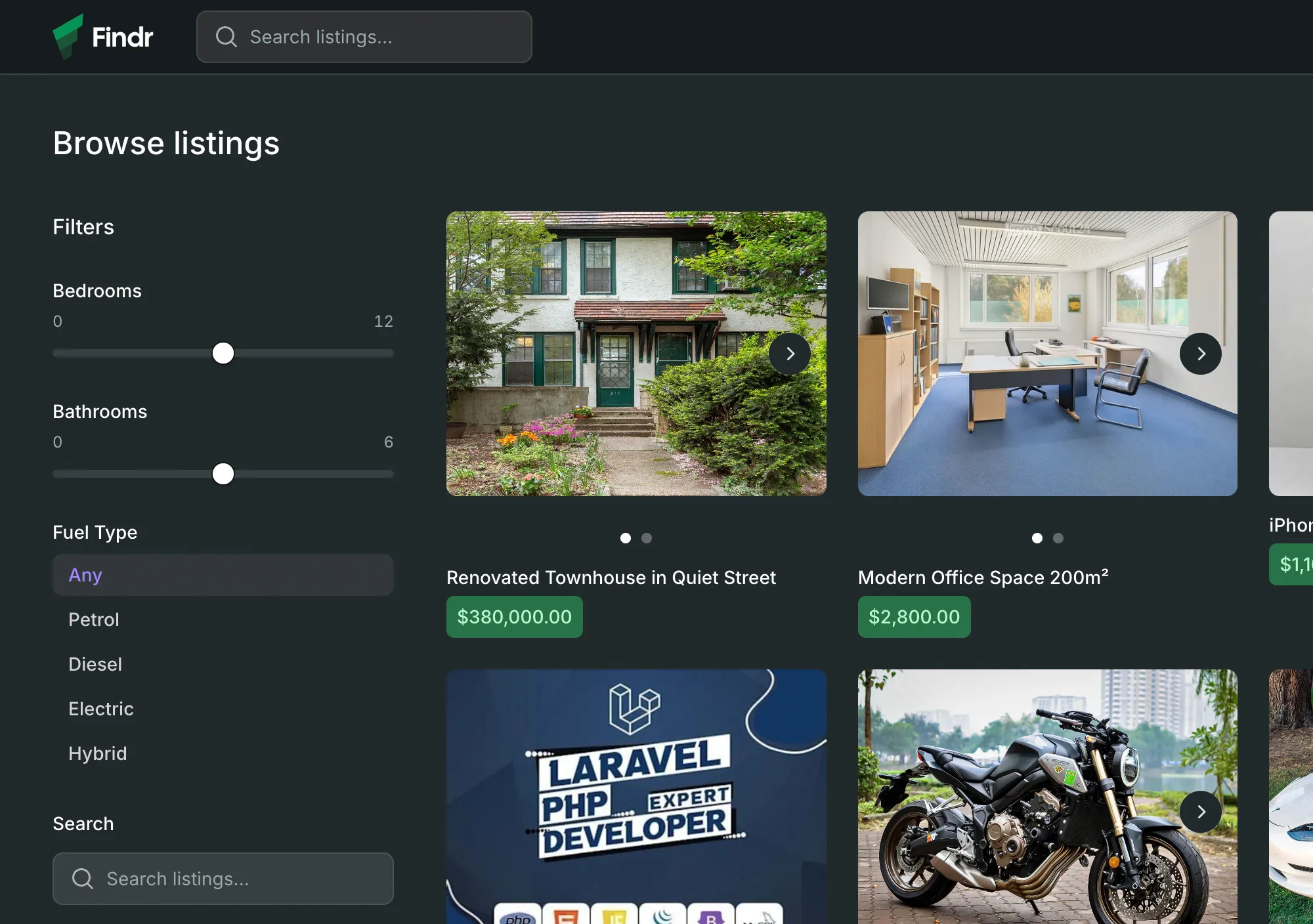
The salary, type, and location filters applicants expect from a real job board.
Every capability below ships with every plan. No recruiter premium tier, no per-posting fee, no paid add-on for the salary filter.
Salary that’s actually a filter, not a footnote
Add Salary as a Number field and it becomes a range-slider filter and a sort option — low to high, high to low, or both. Add Job Type as a Select — Full-time, Part-time, Contract — and it becomes a checkbox facet. An applicant types “designer,” drags the salary floor to sixty thousand, ticks Remote, and gets the roles worth applying for. No plugin to install. No developer to call. Add the field, save, and salary is a filter.
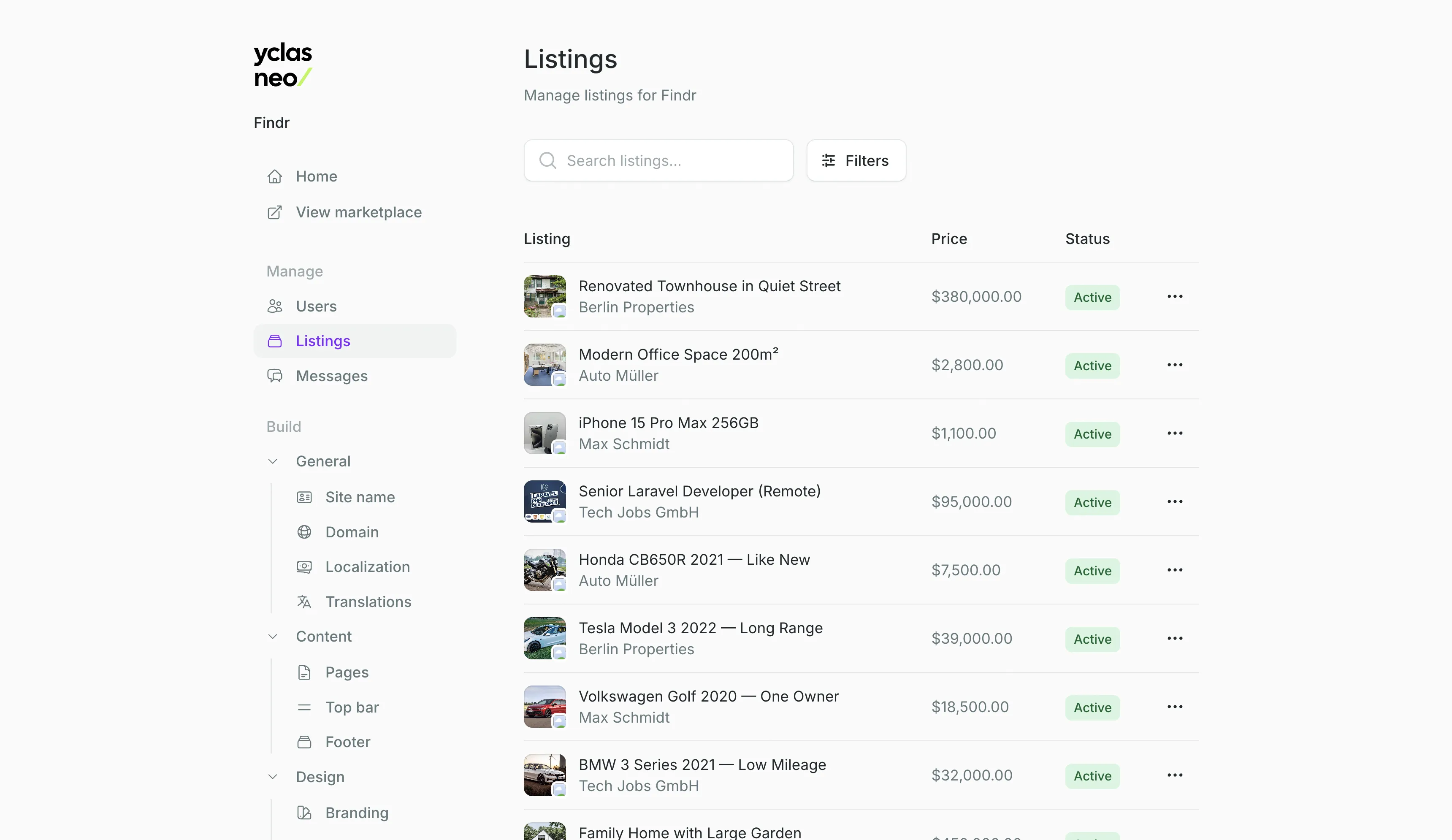
Job type, experience, remote — each one a filter
Salary, job type, experience level, remote or on-site — each becomes a filter the moment you define it. Location is built in, shown as a badge on every posting, and searchable by keyword. An applicant lands on three hundred roles and narrows to a dozen in four clicks. No custom search integration. No per-filter pricing. They’re just there.
Applications that don’t vanish into silence
An applicant spots a posting. They message right there on the job page. A private thread opens — one per applicant, per role. Their email never surfaces. The conversation never leaves the listing it’s about. If you need to see who said what, every thread is readable from your admin panel. Each application lives on the posting it belongs to — not in an inbox you’ll forget to check.
Postings that clear themselves out
Every listing expires after thirty days. A role filled last month doesn’t keep collecting applications from candidates who’ll never hear back. An employer with a seat still open re-posts in one step and jumps back to the top. You never police stale listings. The board refreshes itself.
A category structure that mirrors how people actually look for work.
Two levels covers almost every job board. Jobs at the top, the types underneath. Applicants browse the parent and see every subcategory’s postings at once.
By job type
Jobs → Full-time. Jobs → Part-time. Jobs → Contract. Browse the parent and every subcategory appears. Rename, reorder, or restructure from the admin panel as your board’s focus shifts.
By salary band
Salary becomes a range-slider filter the moment you add it as a Number field. Applicants drag the floor to what they need and the board narrows in real time. Sort low-to-high or high-to-low — their call.
By location
Every posting carries a free-text location shown as a badge. Applicants type a city or “remote” into keyword search to narrow the results. No geocoding, no radius — just text that finds what they’re looking for.
Fifteen years of classifieds. Zero servers to manage.
The same team that built the original Yclas in 2009 rebuilt the whole thing as fully managed SaaS. Job boards, real estate portals, and auto traders all ran on it. Yours can too.
Building classifieds software, including niche job boards
Serve applicants in their language, salary in their currency
Postings auto-expire so your board never goes stale
Run one job board. Run a dozen. Same price.
Job board questions, answered
Your job board, live by the end of the day.
Start your free trial, add a Salary field, post your first role. No code, no servers, no WordPress plugin to keep alive. Decide if it’s worth keeping before the 30 days are up.
